No more ticking statements by hand
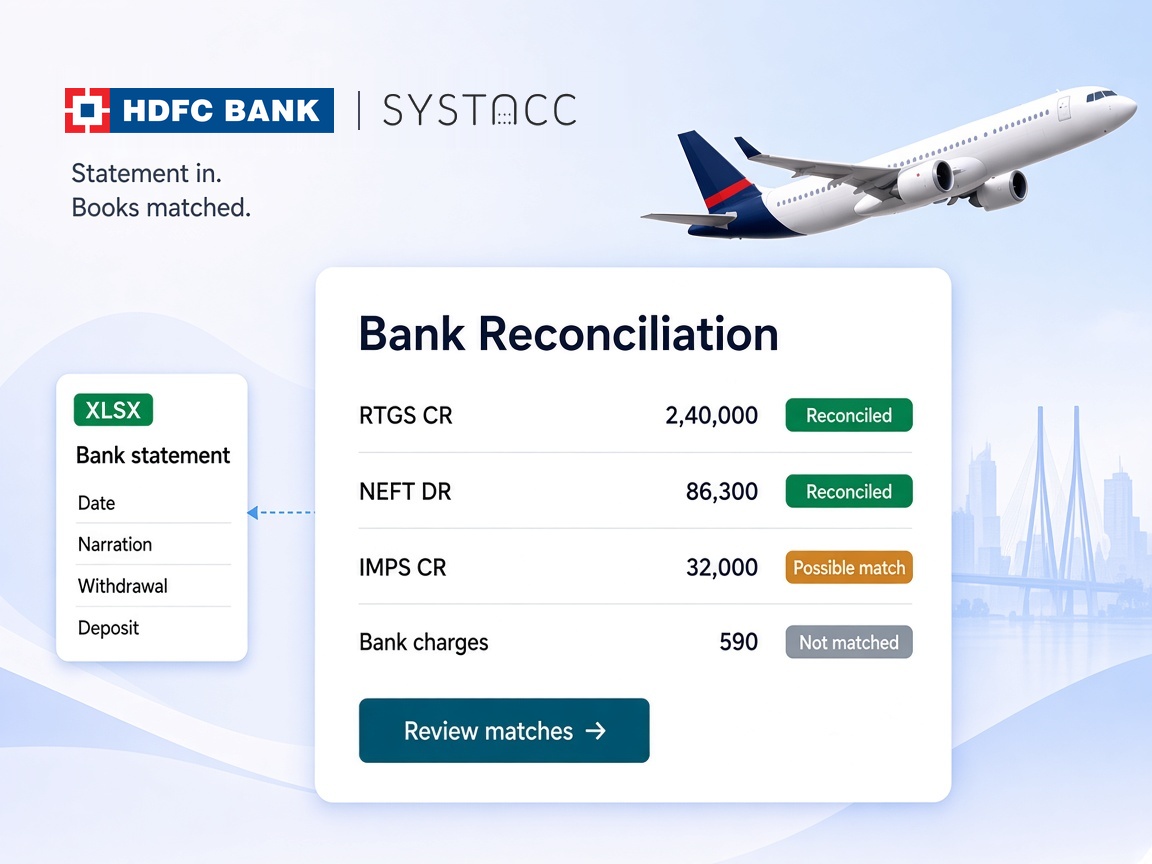
Every HDFC Bank line with one clear match in the books is reconciled the moment the statement is uploaded.

HDFC Bank reconciliation software
An HDFC Bank statement should not be ticked off line by line against the books. Upload it to SYSTACC and every deposit and withdrawal is matched to the receipt or payment already on your HDFC ledger. You only look at what did not match.
Overview
Month-end for a travel business means one long HDFC Bank statement and a ledger full of client receipts and supplier payments. SYSTACC brings the two together with bank reconciliation.
Open Bank Reconciliation, pick your HDFC Bank ledger and choose the HDFC template. Upload the statement as XLS, XLSX, CSV or TSV. SYSTACC reads each line from the HDFC layout, with the value date, narration, cheque or reference number, withdrawal or deposit amount and closing balance, and stops at the statement footer so summary rows are not read as transactions. You see a preview before anything is saved.
Then every line is matched to your books. A deposit is matched to a receipt, and a withdrawal to a payment, on the same HDFC ledger, for exactly the same amount, on the same date. When there is one such entry, the line is marked reconciled and the receipt or payment number is recorded against it.
When more than one entry fits, the line is marked as a possible match. You open it, see the receipts or payments with that amount and date, and pick the right one. An entry already matched to another line is not offered again, so one receipt cannot settle two deposits.
Lines with nothing in the books are marked not matched, such as bank charges or a payment nobody has entered yet. SYSTACC does not post anything on its own, so you decide how each one is recorded.
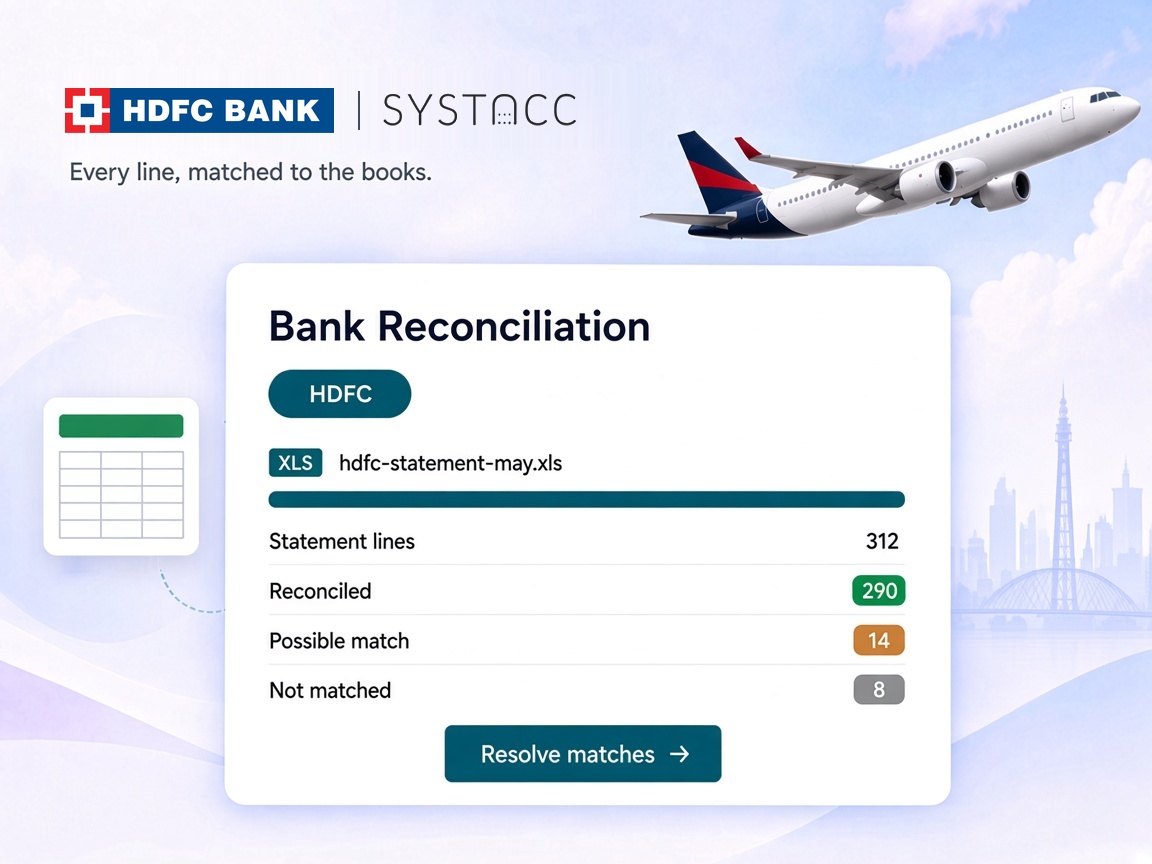
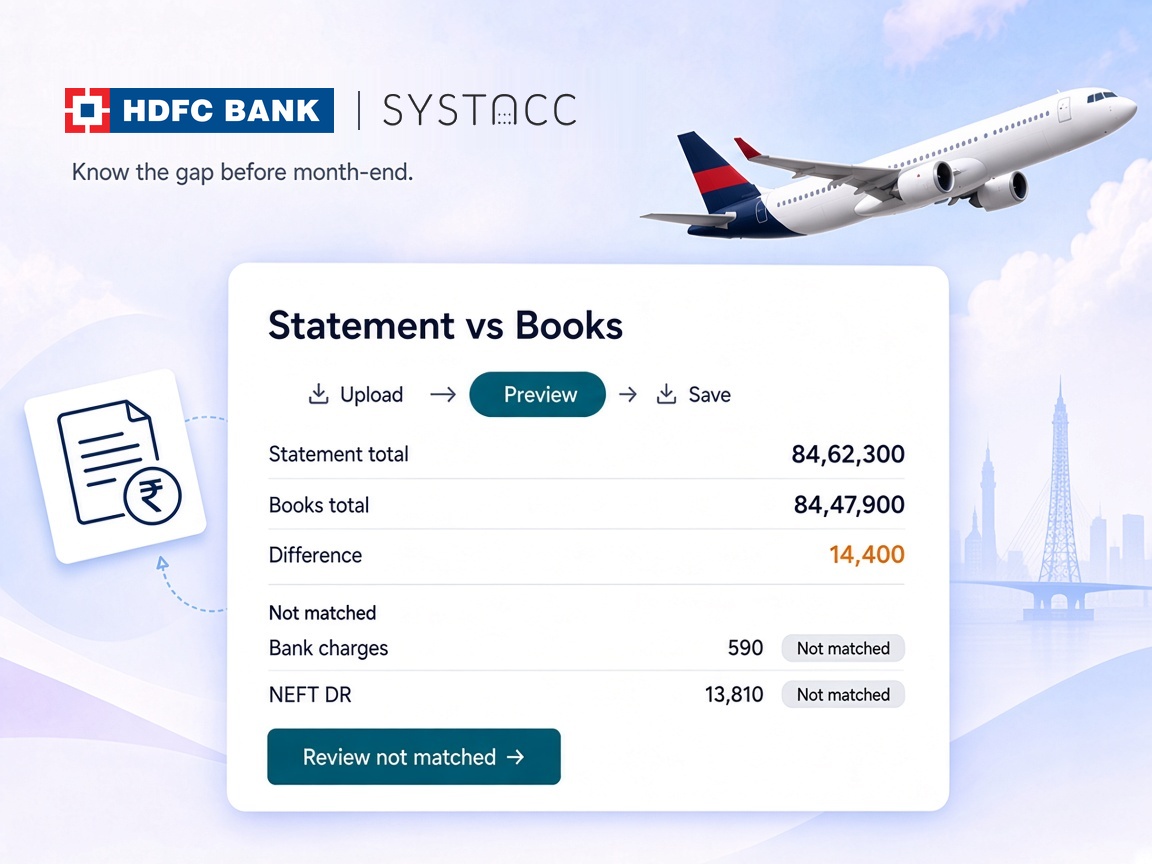
Each upload shows the total lines, reconciled, possible match and not matched counts, with the statement total, the book total and the difference, so you know the gap before month-end. Uploaded files are listed by date, and you can delete a single line or a whole file and upload again.
Benefits
Every HDFC Bank line with one clear match in the books is reconciled the moment the statement is uploaded.
Possible matches and lines with nothing in the books are set aside, so the team works on those and nothing else.
A receipt or payment matched to one statement line is not offered for another, so nothing is counted twice.
The statement total, the book total and the difference sit at the top of every upload.
How it works
Export the account statement from HDFC Bank as an Excel file.
Open Bank Reconciliation, pick the HDFC Bank ledger and the HDFC template, and check the preview.
Deposits are matched to receipts and withdrawals to payments, by amount and date.
Pick the right entry for each possible match, and post what is not yet in the books.
Built with SYSTACC
Read the HDFC Bank statement, with value date, narration, reference number, amount and closing balance.
Match deposits to receipts and withdrawals to payments, on the same ledger, by exact amount and date.
Choose the right receipt or payment when more than one entry fits a statement line.
See every line with nothing in the books, such as bank charges or unrecorded payments.
Compare the statement total, the book total and the difference for each upload.
See every uploaded statement by date, and delete a line or a whole file to upload again.
FAQs
You upload your HDFC Bank statement in Bank Reconciliation. SYSTACC reads every line and matches it to the receipts and payments already posted on your HDFC Bank ledger.
XLS, XLSX, CSV and TSV, using the HDFC template. The file should be the standard HDFC Bank account statement.
A deposit is matched to a receipt and a withdrawal to a payment, on the same bank ledger, for exactly the same amount, on the same date. If exactly one entry fits, the line is reconciled.
When more than one receipt or payment fits a statement line, SYSTACC marks it as a possible match. You open it, see the entries with that amount and date, and choose the right one.
No. Lines with nothing in the books, like bank charges or a payment not yet entered, are listed as not matched. You decide how to record them, so nothing is posted without you.
There is no dedicated HDFC card template yet. You can use the custom credit card template by saving the card statement as a CSV with Date, Description, Reference Number, Purchases and Payments/Refunds columns.
You can delete a single line, or the whole uploaded file, and upload the correct statement again.
Reconciliation works with the statement you download from HDFC Bank. You upload the file, and SYSTACC does the matching.
Related pages
Upload your ICICI Bank statement to SYSTACC and match every deposit and withdrawal to receipts and payments. Review only possible matches and exceptions.
View page →Upload your Axis Bank statement as Excel or CSV and SYSTACC matches every credit and debit to receipts and payments. Review only the exceptions.
View page →Upload your YES BANK statement to SYSTACC and match every deposit and withdrawal to receipts and payments. Review only possible matches and exceptions.
View page →A live walkthrough
Thirty minutes on the calendar. We follow a booking through to the books, and you choose the time.