The website booking, handled
Air India Express sales often sit outside the GDS file. Retrieving the PNR takes that entry off the desk.

Air India Express accounting integration
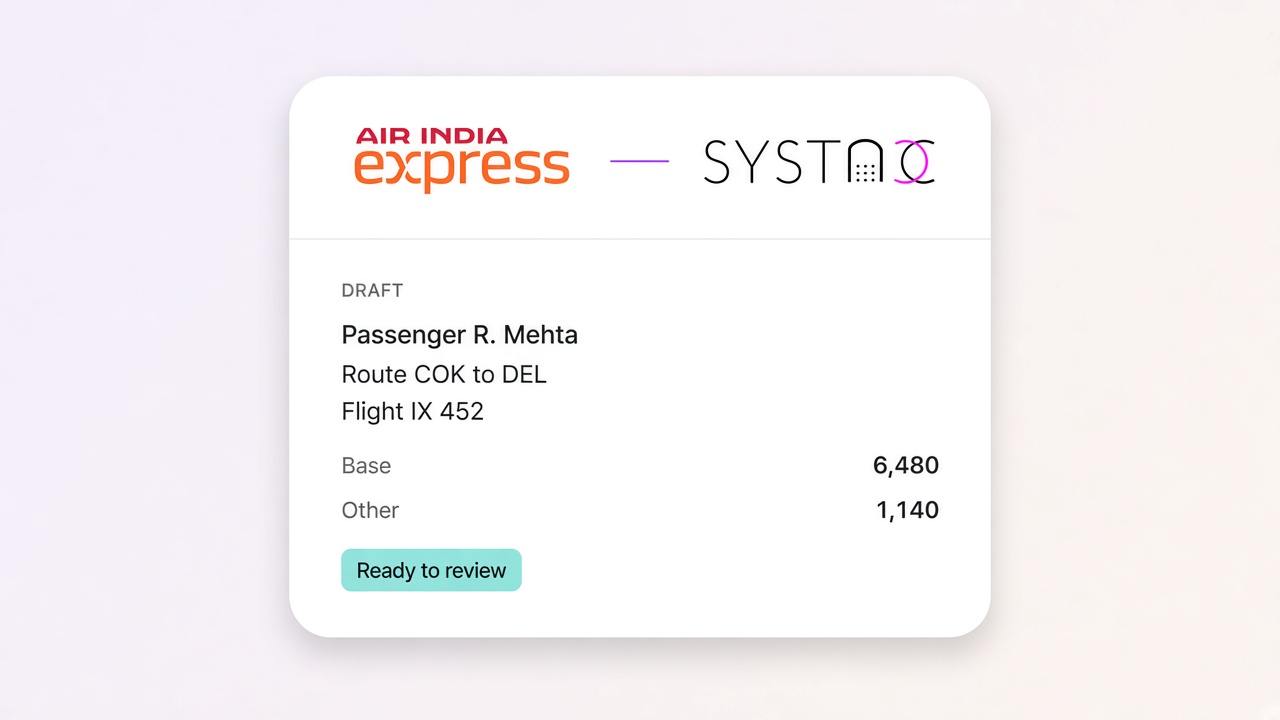
An Air India Express booking should reach the books without being typed a second time. Retrieve the PNR, and SYSTACC drafts the flight invoice with the passengers, the sectors and the fare. You still decide what gets posted.
Overview
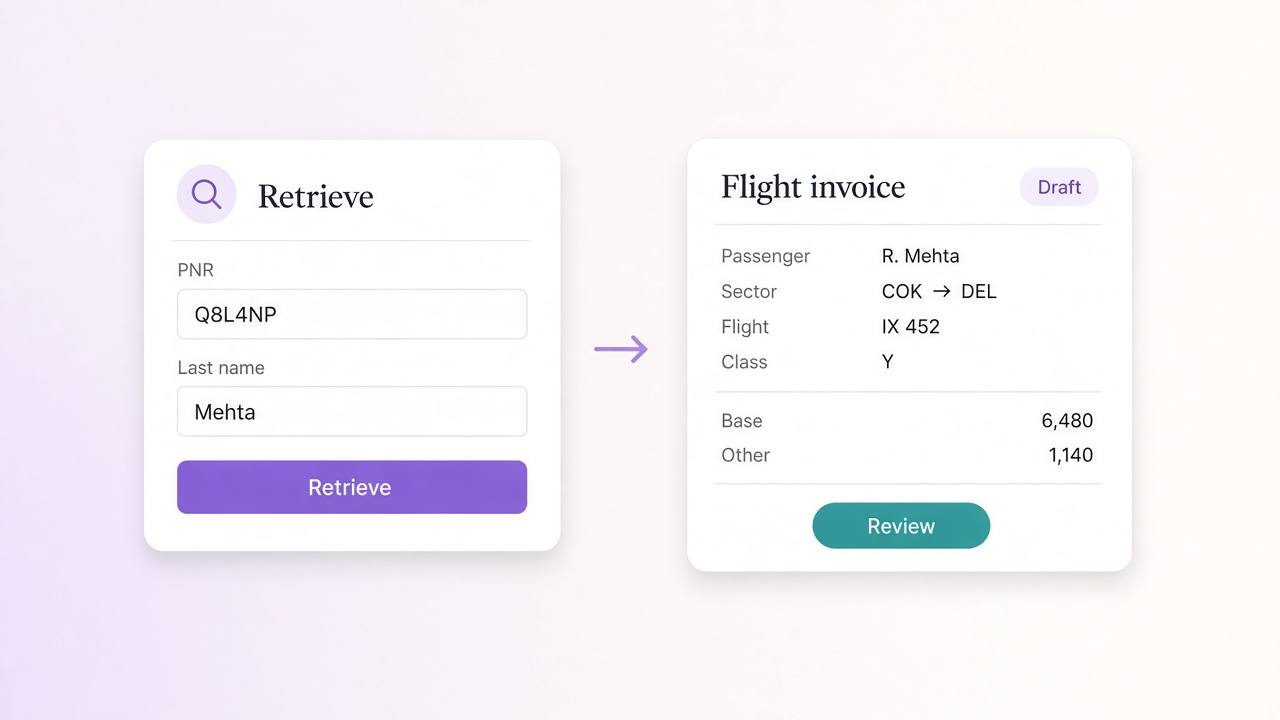
Air India Express bookings often sit on the airline website, not inside a GDS file. On a new flight invoice, choose the Air India Express account your agency uses, enter the PNR and the passenger last name, and retrieve. SYSTACC reads the booking and fills the draft.
The draft keeps the PNR, the booking date and every traveller, including an infant travelling with an adult. Each sector on that journey arrives with the flight number, class, departure and arrival times, cities, airports and terminals. The route is built from those sectors.
The fare comes in as base fare and other charges, split across the passengers on the booking. An infant is carried on its own line. SYSTACC then applies your commission setup. It does not invent a YQ, YR or GST line the booking did not send. Finance reviews the numbers, then saves.
A later refund is a credit note against the invoice you posted.
Benefits
Air India Express sales often sit outside the GDS file. Retrieving the PNR takes that entry off the desk.
Adults and an infant on the same booking land together, and the route is built from the sectors on that journey.
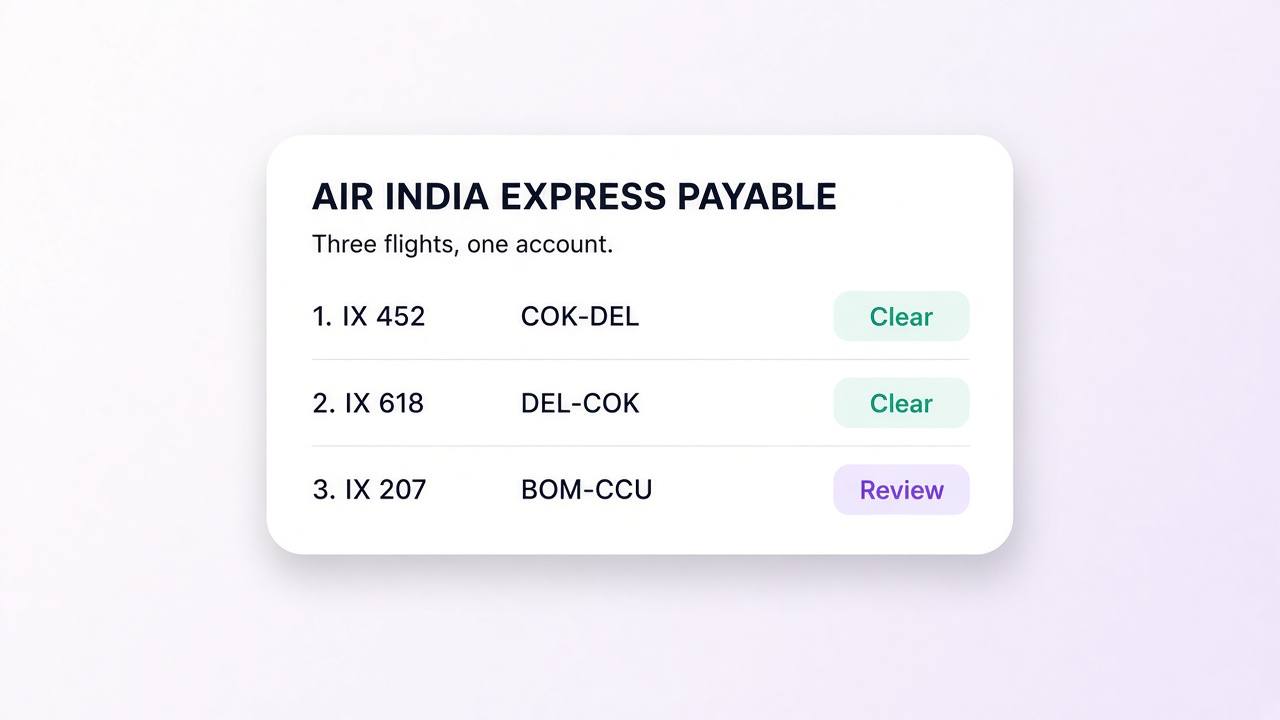
The booking posts to the Air India Express account configured for your agency, separate from a BSP airline.
Base fare and other charges are filled in, commission is applied from your setup, and nothing posts until you save.
How it works
On the flight invoice, select the website source and the Air India Express retrieve account configured for your agency.
Enter the PNR and the passenger last name. SYSTACC pulls the booking onto the draft.
Check names, flight numbers, times, cities, terminals and the fare split. Add a sector the retrieve did not bring across.
Save the customer invoice and the Air India Express payable. A later refund is a credit note against the same invoice.
Built with SYSTACC
Pull an Air India Express booking onto a flight invoice from the PNR and passenger last name.
Capture the route, flight number, class, times, cities, airports, terminals and every traveller, including infants.
Keep the sale on the Air India Express account configured for your agency.
Apply your commission setup after the booking is on the draft.
Raise a refund against the invoice you posted, so the customer and the payable both move.
Base fare and other charges are filled in. A tax line the booking did not send is not invented.
FAQs
Yes. On a flight invoice you retrieve an Air India Express booking by PNR and passenger last name. The passengers, sectors and fare land on the draft, and you review them before you post.
The PNR, the passenger last name, and the Air India Express account configured for your agency.
The PNR, booking date, traveller names and types, including infants, and each sector on that journey: the flight number, class, times, cities, airports and terminals. The route is built from those sectors.
The retrieve brings base fare and other charges. It does not invent a YQ, YR or GST line the booking did not send. You review the fare, then save. GST reports later use the invoice you posted.
The retrieve fills the sectors on the first journey. Check the route on the draft, and add a return that did not come across, before you save.
Raise the credit note from the invoice you posted. The customer balance and the Air India Express payable both move from that sale.
No. Air India Express is retrieved from the booking by PNR and last name, and it posts as a website sale on its own account. Air India tickets come in from Galileo and Amadeus files and are matched to BSP.
Related pages
Retrieve an IndiGo PNR into a SYSTACC flight invoice. Passengers, sectors, flight numbers and fare land on the draft, and you review before you post.
View page →Air India tickets from Galileo and Amadeus become SYSTACC draft invoices. Review passengers, sectors and fare, then match tickets and refunds to BSP.
View page →Retrieve a SpiceJet PNR into a SYSTACC flight invoice. Passengers, sectors, baggage and fare land on the draft, and you review before you post.
View page →A live walkthrough
Thirty minutes on the calendar. We follow a booking through to the books, and you choose the time.