Two ways in, one set of books
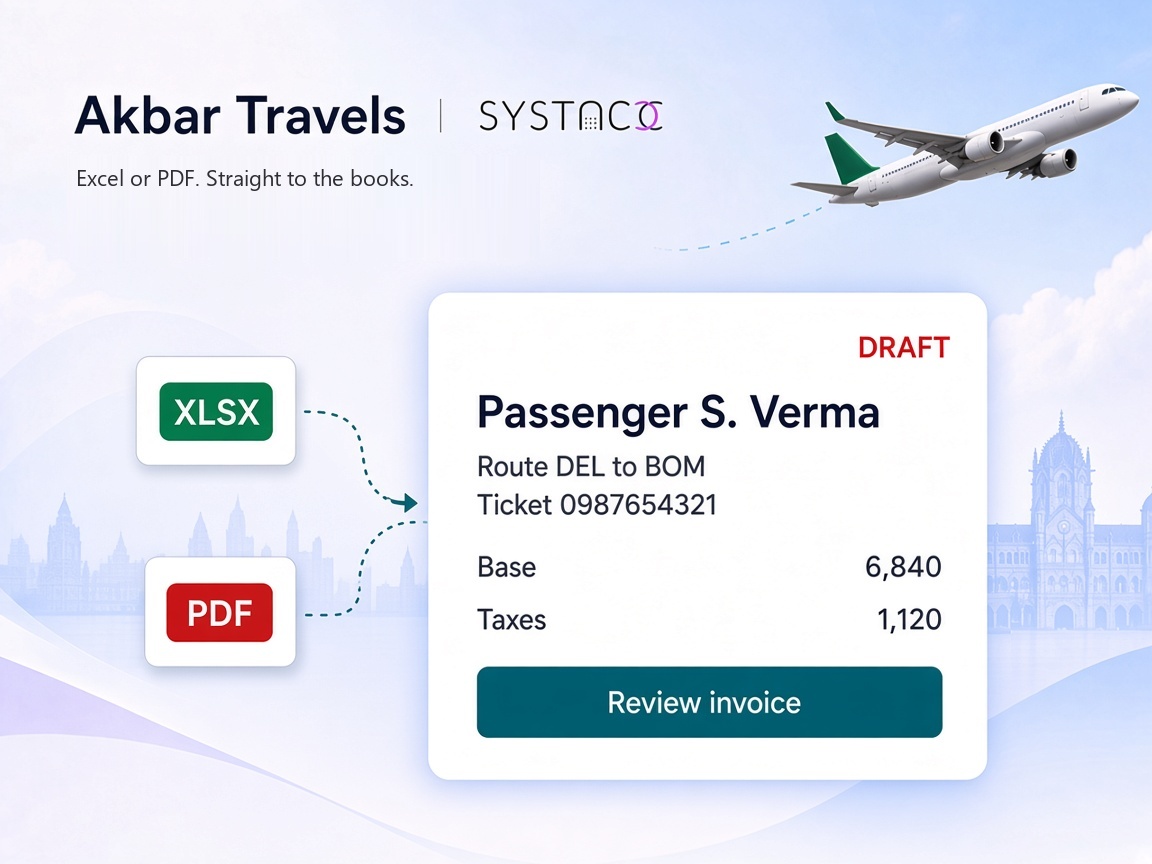
The Akbar Excel report for a batch, the ticket PDF for a single booking. Both end up as SYSTACC invoices.

Akbar Travels accounting integration
An Akbar Travels booking should not be keyed into the books by hand. Upload the Akbar report as an Excel sheet, or upload the ticket PDF, and SYSTACC fills in the passenger, the journey and the fare. You check it before it counts.
Overview
Akbar Travels is where many Indian agencies book flights, rail and hotels. SYSTACC takes those bookings into your books in two ways: the Akbar report as an Excel sheet, or the ticket itself as a PDF.
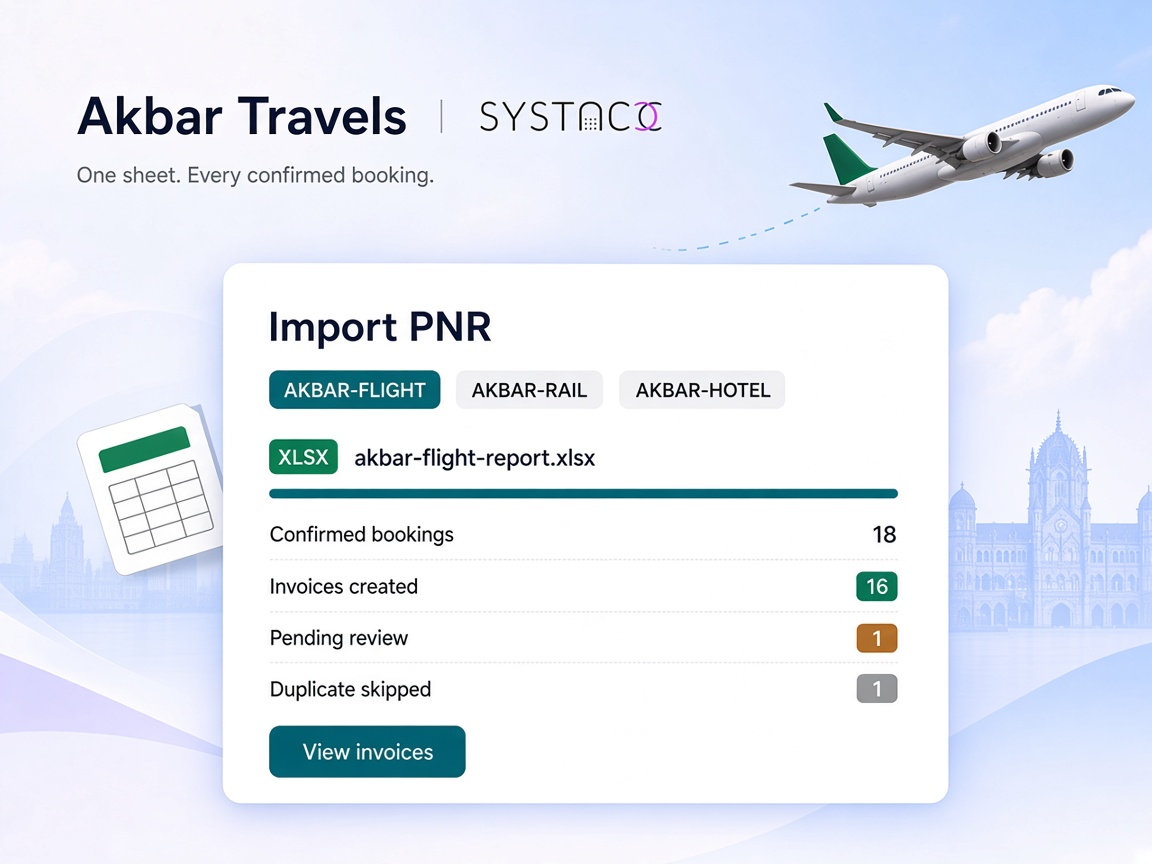
For a batch, open Import PNR and choose AKBAR-FLIGHT, AKBAR-RAIL or AKBAR-HOTEL, then pick your Akbar supplier account. Upload the report as XLS, XLSX, CSV or TSV, up to 5 MB. On a flight report, only confirmed bookings are imported. The airline code is matched to the airline account on your chart, and the commission and TDS on the sheet come across with the fare.
If the client or the airline on a booking is not found in SYSTACC, that booking is held as pending with the reason, so you can fix it instead of guessing. A ticket number already in the books is skipped. If Akbar has revised a booking, set On Duplicate to Update Invoice and the existing invoice is updated.
Rail reports bring the PNR, train number and name, class, quota, coach and the boarding and arrival stations. Hotel reports are checked by booking reference, so the same stay is not invoiced twice.
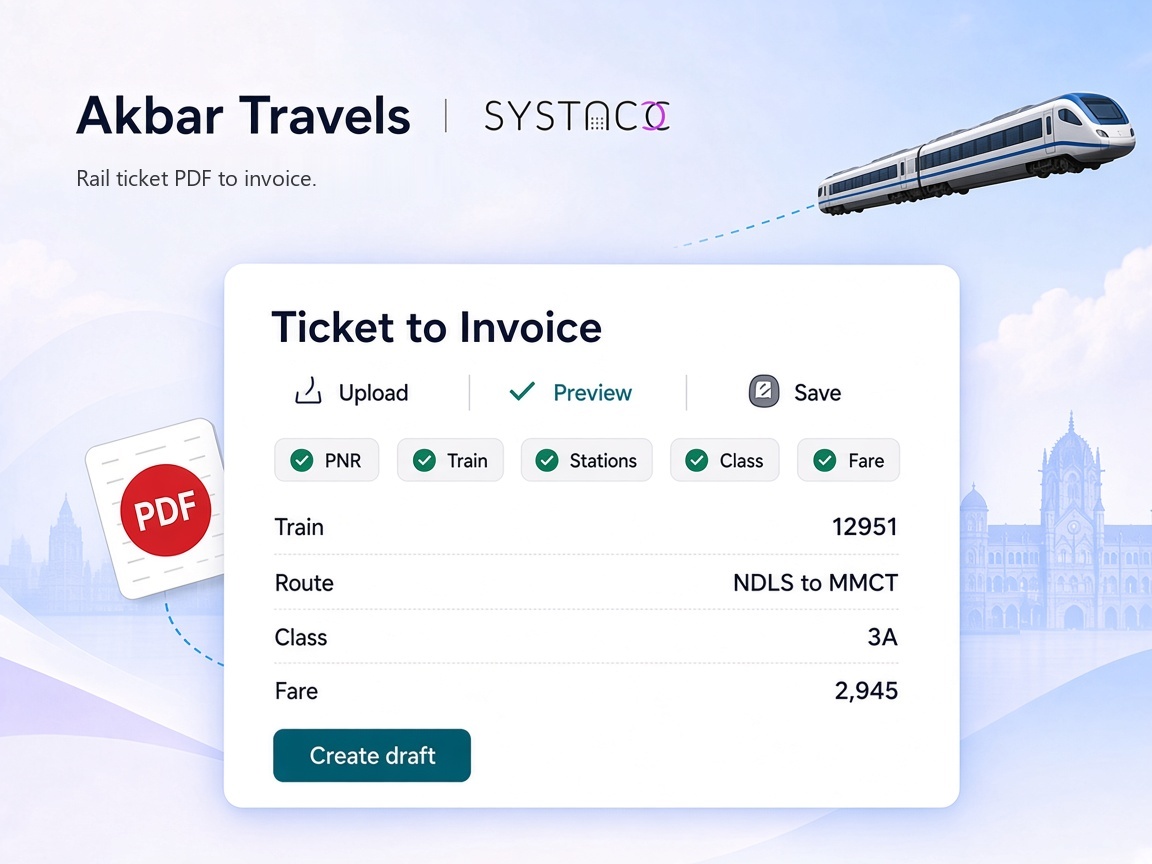
For a single booking, use Ticket to Invoice. Pick the client and upload the ticket PDF, or up to 20 PDFs at once. Akbar rail tickets are read for the PNR, train, stations, class, quota, coach and seat, and fare. Flight tickets are read for the PNR, passengers, route, fare, GST, taxes and ticket numbers. You check the preview, then create the draft.
Benefits
The Akbar Excel report for a batch, the ticket PDF for a single booking. Both end up as SYSTACC invoices.
Akbar flight, rail and hotel reports each have their own import, so every booking posts as the right product.
On a flight report, cancelled and failed rows are left out, and commission and TDS come in with the fare.
A missing client or airline holds the booking as pending, and a ticket already in the books is skipped or updated.
How it works
Download the booking report from Akbar Travels as an Excel sheet, or keep the ticket PDF.
Use Import PNR with AKBAR-FLIGHT, AKBAR-RAIL or AKBAR-HOTEL for the sheet. Use Ticket to Invoice for the PDF.
Check the invoices created, clear anything pending, and confirm the preview for a PDF.
Saved invoices sit on your Akbar supplier account and flow into your ledgers, GST and supplier reports.
Built with SYSTACC
Upload an Akbar flight report and get an invoice for each confirmed booking.
Import Akbar rail and hotel sheets as rail and hotel invoices.
Read an Akbar rail ticket or a flight ticket PDF into a draft invoice, up to 20 files at a time.
Carry the commission and TDS from the Akbar sheet onto the invoice.
Hold a booking as pending when its client or airline is not found.
Skip ticket numbers and hotel references already in the books, or update the existing invoice.
FAQs
Yes. You bring Akbar bookings in by uploading the Akbar Excel report or the ticket PDF. Both create invoices in SYSTACC on your Akbar supplier account.
Flight, rail and hotel reports, each with its own option in Import PNR: AKBAR-FLIGHT, AKBAR-RAIL and AKBAR-HOTEL. Files can be XLS, XLSX, CSV or TSV, up to 5 MB.
In Ticket to Invoice, choose the client and upload the ticket PDF. Akbar rail tickets are read for the PNR, train, stations, class, quota, seat and fare. Flight tickets are read for the PNR, passengers, route, fare, taxes and ticket numbers. You check the preview and create a draft invoice. You can upload up to 20 PDFs at once, 5 MB each.
Only rows marked Confirmed are imported from an Akbar flight report. Other rows are left out, so a cancelled booking does not become an invoice.
The booking is saved as pending with the reason, client not found or airline not found. Add the account, then complete the invoice.
Ticket numbers and hotel booking references already in the books are reported as duplicates and skipped. Choose Update Invoice under On Duplicate if Akbar has changed a booking.
No. The integration works with the files you get from Akbar: the booking report and the ticket PDF. You upload them, and SYSTACC does the data entry.
Related pages
Upload a TBO flight, hotel or rail file into SYSTACC. The PNR, reference and fare land on the invoice, and a missing client stays as a draft.
View page →Connect TripJack to Systacc for automated invoicing, GST‑compliant reports, and real‑time BSP reconciliation—all in a secure cloud platform.
View page →Retrieve an IndiGo PNR into a SYSTACC flight invoice. Passengers, sectors, flight numbers and fare land on the draft, and you review before you post.
View page →A live walkthrough
Thirty minutes on the calendar. We follow a booking through to the books, and you choose the time.