Flights, hotels and rail, one supplier
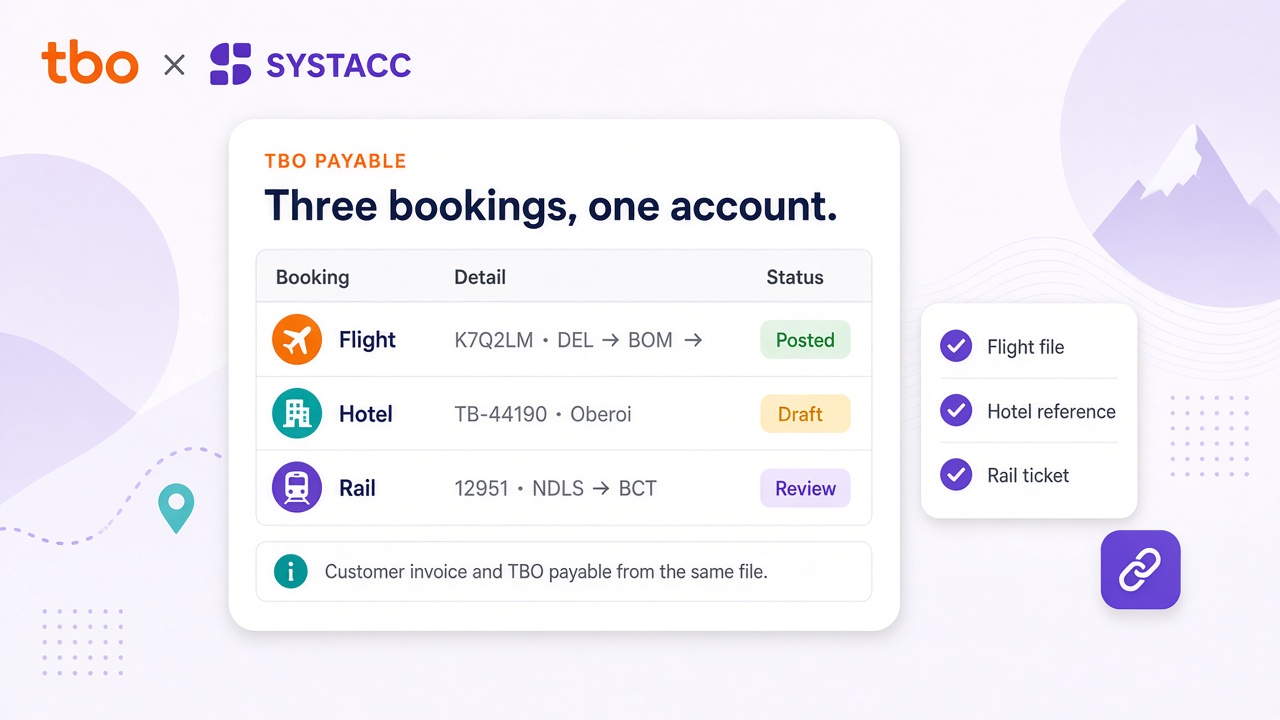
Upload the TBO spreadsheet for each product. The same supplier account can carry a flight, a hotel stay and a rail ticket.

TBO accounting integration
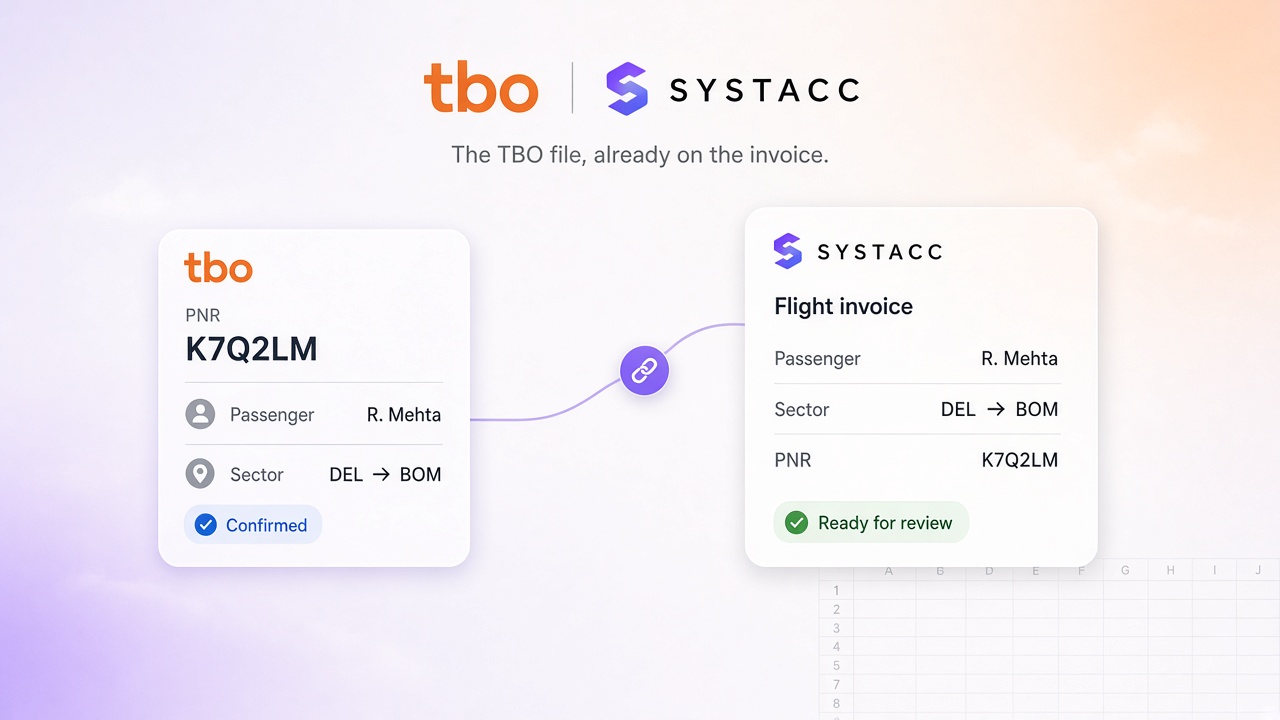
A TBO sale should reach the books without being typed a second time. Upload the TBO spreadsheet, and SYSTACC builds the invoice from the PNR, the reference and the fare on that file. A client or supplier that is not on your chart stays as a draft you finish.
Overview
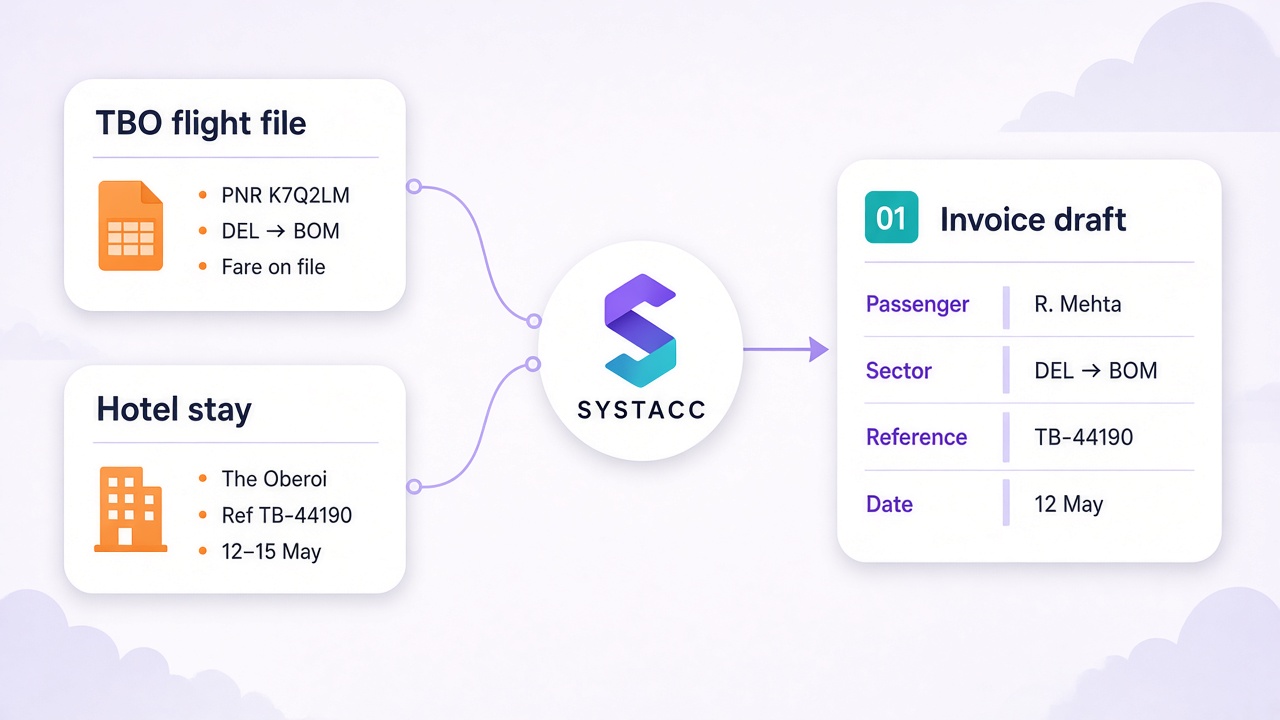
TBO sales arrive as a spreadsheet, not as a live PNR pull. On the import screen, choose TBO, TBO Hotel or TBO Rail, pick the supplier account, and upload the file. SYSTACC reads each row and builds the invoice from what that file contains.
A flight file is grouped by the date and the PNR, so passengers on the same booking stay on one invoice. Each traveller keeps the name and type, the ticket number, the sector, the airline and the travel date. The fare comes in as base fare, YQ, YR and K3 when those columns are on the file, plus service charges, PLB and the handling charge. A fare that does not add up is flagged. You still review it.
A hotel file is one stay per reference. The draft keeps the hotel name, check-in and check-out, the lead passenger, the TBO invoice number, basic amount, taxes, discount, TDS and service charges, and CGST, SGST or IGST when the file shows them. A rail file, for an Indian company, uses the reference as the PNR. Train number, train name, stations and travel date are read from the narration, with booking class, catering and travel insurance when those columns are filled.
When the client is on your chart, and the airline or supplier is too, SYSTACC saves the invoice. If either is missing, the record stays pending for you to finish. A ticket or reference already in the books is skipped unless you choose Update Invoice. The invoice date is the date on the file. A TBO flight PDF or a TBO rail PDF can also start a record through ticket-to-invoice. Details that are not printed on that document are not guessed.
Benefits
Upload the TBO spreadsheet for each product. The same supplier account can carry a flight, a hotel stay and a rail ticket.
Flight rows that share a date and a PNR stay together. A hotel or a rail ticket is one record per reference.
Base fare, taxes and charges are taken from the columns on the file. A total that does not match is flagged, and nothing is invented to fill a gap.
If the client, the airline or the supplier is not on your chart, the invoice stays a draft you finish.
How it works
On the import screen, select TBO, TBO Hotel or TBO Rail, and the supplier account the payable should hit.
SYSTACC reads the file. Flights group by date and PNR. Hotels and rail use the reference number.
Check the passenger, the sector or the stay, the ticket or reference, and the fare. A mismatch is marked for you.
A new booking is saved. One already in the books is skipped, unless you choose Update Invoice.
Built with SYSTACC
Group TBO flight rows by date and PNR, with passenger, ticket number, sector, airline and the fare columns on the file.
Bring hotel name, dates, lead passenger, TBO invoice number and the fare onto one stay per reference.
For an Indian company, read the reference, train, stations, class, catering and travel insurance from the TBO rail file.
Post the payable to the TBO account you select on the import.
Skip a ticket or reference that is already in the books, or update that invoice when you choose to.
Start a flight or rail record from a TBO PDF. Lines that are not on the document are left blank.
FAQs
Yes. You upload a TBO flight, hotel or rail spreadsheet. The PNR or reference, the traveller and the fare land on the invoice, and a client that is not on your chart stays as a draft.
The TBO spreadsheet for that product. On the import screen choose TBO, TBO Hotel or TBO Rail. The flight file must include a PNR column. A file that is not in the TBO layout is rejected.
Passengers on the same date and PNR stay on one invoice. Each traveller keeps the name, passenger type, ticket number, sector, airline and travel date. Base fare, YQ, YR and K3 are filled when those columns are on the file, along with service charges, PLB and the handling charge.
One stay per reference number. The draft keeps the hotel name, check-in and check-out, the lead passenger, the TBO invoice number, basic amount, taxes, discount, TDS and service charges, and CGST, SGST or IGST when the file shows them.
For an Indian company, the reference number is the PNR. Train number, train name, stations and travel date are read from the narration. Booking class, catering and travel insurance are included when those columns are filled.
The invoice stays pending. On a flight file that also happens when the airline code is not on your chart. On a hotel or rail file it happens when the client or the supplier account is missing. You finish the draft, then save.
It is skipped. Choose Update Invoice on the import if you want that ticket or reference written onto the invoice already saved.
No. Rows in the refunded and voided section of the flight file are left out. Raise the credit note from the invoice you posted.
Yes. Ticket-to-invoice reads a TBO flight PDF or a TBO rail PDF. Details that are not printed on that document are not filled in for you.
Related pages
Retrieve an Air India Express PNR into a SYSTACC flight invoice. Passengers, sectors and fare land on the draft, and you review before you post.
View page →Air India tickets from Galileo and Amadeus become SYSTACC draft invoices. Review passengers, sectors and fare, then match tickets and refunds to BSP.
View page →Retrieve an Akasa Air PNR into a SYSTACC flight invoice. Passengers, sectors and fare land on the draft, and you review before you post.
View page →Turn Akbar Travels bookings into SYSTACC invoices. Upload the Akbar Excel report for flights, rail and hotels, or the ticket PDF, and skip duplicates.
View page →A live walkthrough
Thirty minutes on the calendar. We follow a booking through to the books, and you choose the time.