Two ways in, one set of books
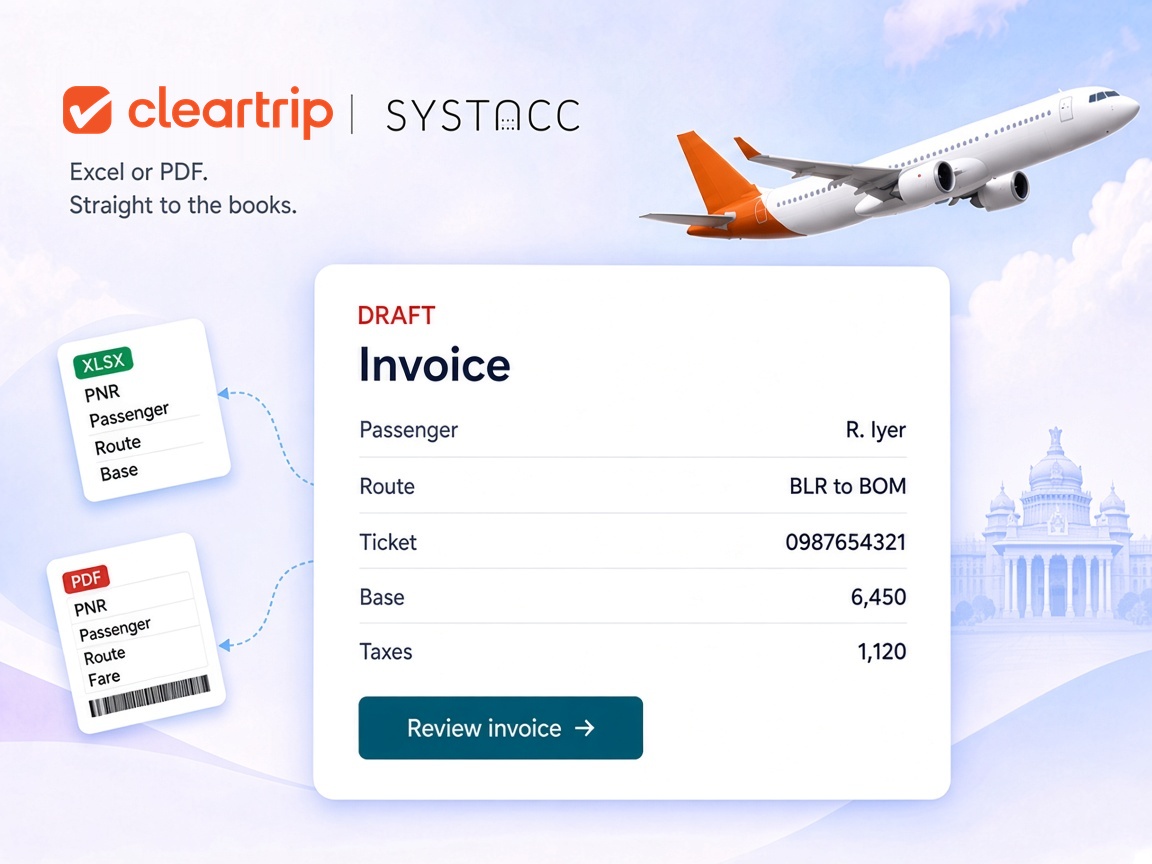
The Cleartrip Excel report for a batch, the ticket PDF for a single booking. Both end up as SYSTACC invoices.

Cleartrip accounting integration
A Cleartrip booking should not be retyped into the books. Upload the Cleartrip report as an Excel sheet, or upload the ticket PDF, and SYSTACC fills in the passenger, the sectors and the fare. You review it before it posts.
Overview
Many agencies book flights on Cleartrip for their clients. SYSTACC brings those bookings into your books in two ways: the Cleartrip report as an Excel sheet, or the ticket itself as a PDF.
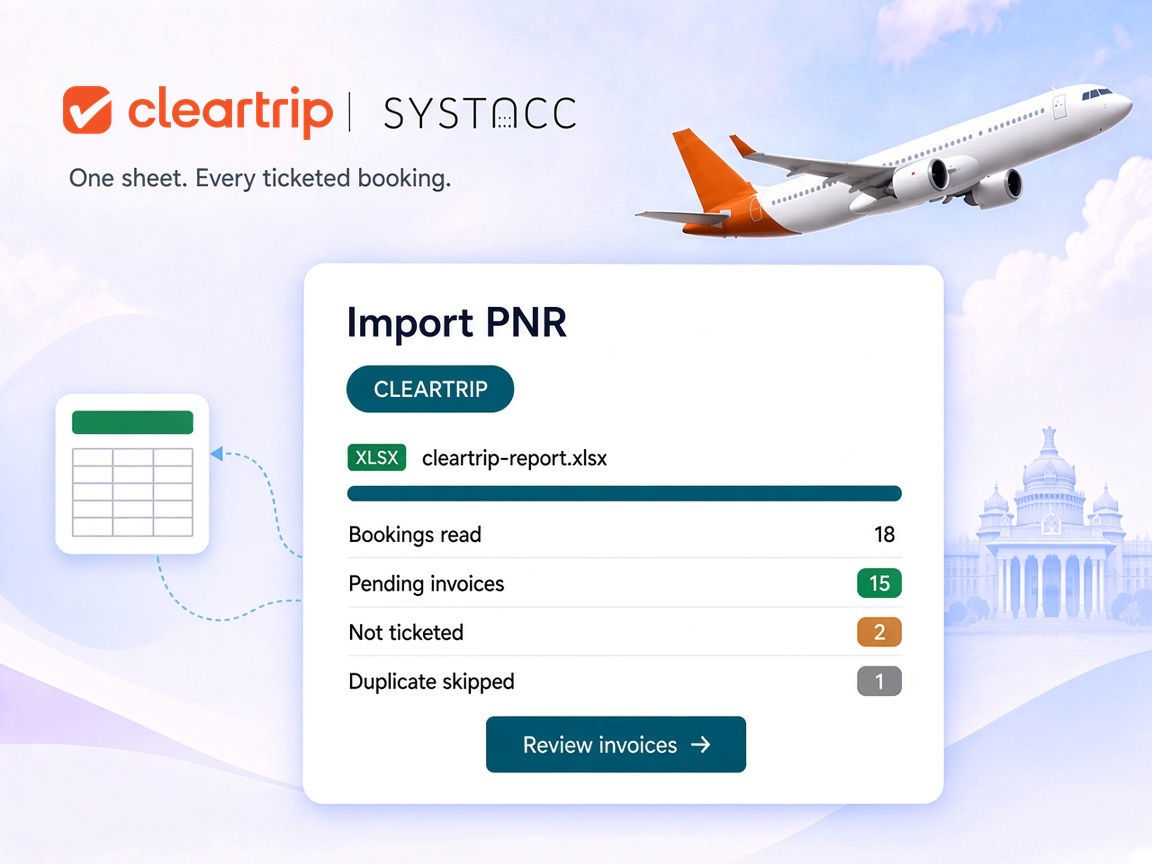
For a batch, open Import PNR, choose CLEARTRIP and pick your Cleartrip supplier account. Upload the report as XLS, XLSX, CSV or TSV, up to 5 MB. If the sheet has no PNR Number column, SYSTACC stops and tells you the file or its format is wrong, before anything is imported.
Rows are grouped by Cleartrip invoice number, and then by passenger, so one Cleartrip invoice becomes one SYSTACC invoice with every traveller on it. Only bookings marked Ticketed are imported, and the rest are listed as not ticketed. The invoice date can follow the date on the Cleartrip report or today's date.
The fare comes in broken down, not as one lump sum: base fare, YQ, GST and other taxes, plus seat, meal and baggage charges. The Cleartrip commission and management fee are carried onto the invoice. Each flight is added as a sector with the flight number, class and departure and arrival times, and the airline is matched by its two-letter code.
Imported invoices wait as pending, so you pick the client and review each one before it counts. A ticket number already in the books is skipped, whether the invoice is posted or still pending. If Cleartrip has changed a booking, set On Duplicate to Update Invoice and the existing invoice is updated.
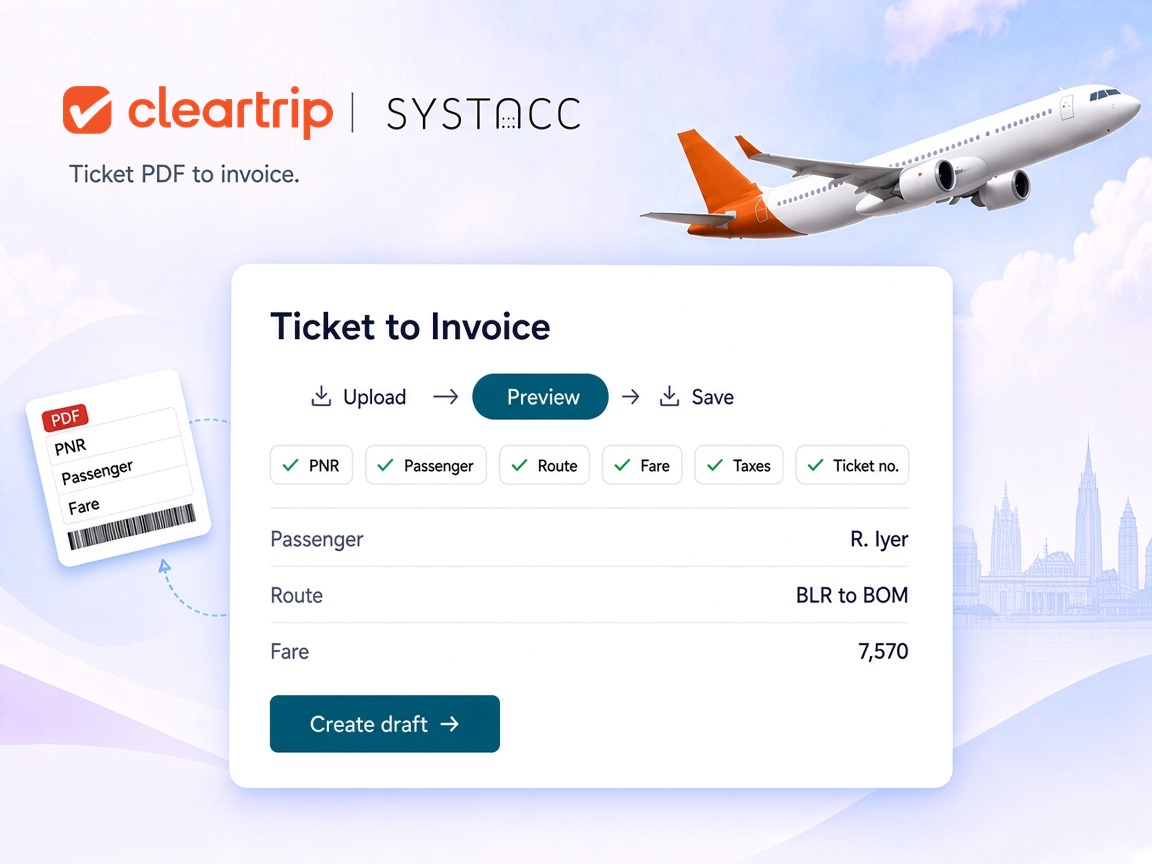
For a single booking, use Ticket to Invoice. Pick the client and upload the ticket PDF, or up to 20 PDFs at once. SYSTACC reads the PNR, passengers, route, fare, GST, taxes and ticket numbers. You check the preview, then create the draft.
Benefits
The Cleartrip Excel report for a batch, the ticket PDF for a single booking. Both end up as SYSTACC invoices.
Base fare, YQ, GST, other taxes, seat, meal and baggage come in separately, along with commission and management fee.
Bookings that were not ticketed are listed, not invoiced, and every passenger on a Cleartrip invoice lands on one SYSTACC invoice.
Ticket numbers already in the books are skipped, or updated when you choose Update Invoice.
How it works
Download the flight booking report as an Excel sheet, or keep the ticket PDF.
Use Import PNR with CLEARTRIP for the sheet. Use Ticket to Invoice for the PDF.
Pick the client on each pending invoice, check the fare, and confirm the preview for a PDF.
Saved invoices sit on your Cleartrip supplier account and flow into your ledgers, GST and supplier reports.
Built with SYSTACC
Upload a Cleartrip report and get one invoice for each Cleartrip invoice number, with every passenger on it.
Read a flight ticket PDF into a draft invoice, up to 20 files at a time.
Carry base fare, YQ, GST, other taxes, seat, meal and baggage onto the invoice.
Bring the Cleartrip commission and management fee across with each passenger.
Add every flight as a sector and match the airline by its two-letter code.
Skip ticket numbers already in the books, or update the existing invoice.
FAQs
Yes. You bring Cleartrip bookings in by uploading the Cleartrip Excel report or the ticket PDF. Both create invoices in SYSTACC on your Cleartrip supplier account.
The Cleartrip flight booking report, using the CLEARTRIP option in Import PNR. Files can be XLS, XLSX, CSV or TSV, up to 5 MB. The sheet needs its PNR Number column.
In Ticket to Invoice, choose the client and upload the ticket PDF. SYSTACC reads the PNR, passengers, route, fare, taxes and ticket numbers, shows you a preview, and creates a draft invoice when you confirm. You can upload up to 20 PDFs at once, 5 MB each.
Not yet. The Cleartrip import covers flight bookings.
The Cleartrip report does not tell SYSTACC which of your clients the booking is for. Imported invoices wait as pending so you can pick the client and check the fare before they count in your books.
Only bookings marked Ticketed are imported. Other bookings are listed as not ticketed, so they do not become invoices.
Ticket numbers already in the books, posted or pending, are reported as duplicates and skipped. Choose Update Invoice under On Duplicate if Cleartrip has changed a booking.
No. The integration works with the files you get from Cleartrip: the booking report and the ticket PDF. You upload them, and SYSTACC does the data entry.
Related pages
Turn MakeMyTrip bookings into SYSTACC invoices. Upload the MakeMyTrip Excel report for flights and hotels, or the ticket PDF, and skip duplicates.
View page →Turn Riya Travels bookings into SYSTACC invoices. Upload the Riya Excel report or the ticket PDF, skip duplicates, and reconcile the Riya statement.
View page →Turn Akbar Travels bookings into SYSTACC invoices. Upload the Akbar Excel report for flights, rail and hotels, or the ticket PDF, and skip duplicates.
View page →A live walkthrough
Thirty minutes on the calendar. We follow a booking through to the books, and you choose the time.