Two ways in, one set of books
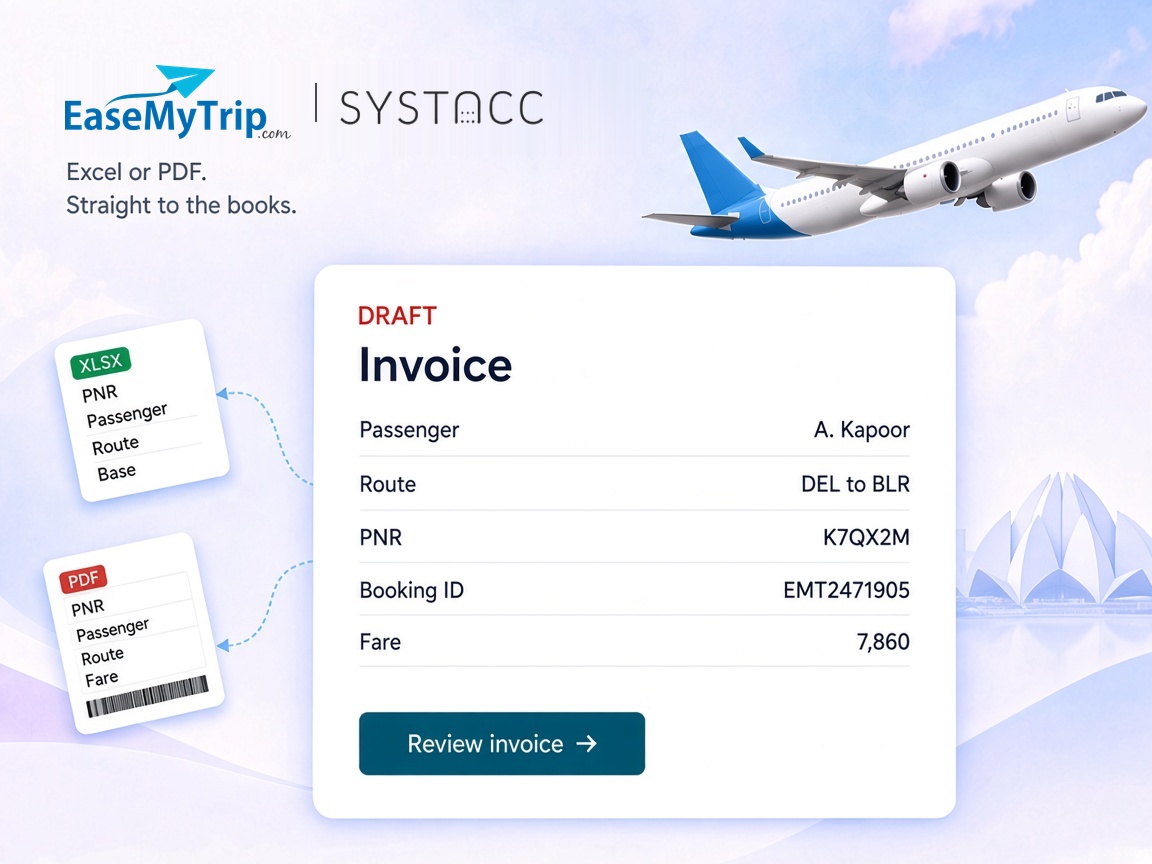
The EaseMyTrip Excel report for a batch, the ticket PDF for a single booking. Both end up as SYSTACC invoices.

EaseMyTrip accounting integration
An EaseMyTrip booking should not be retyped into the books. Upload the EaseMyTrip report as an Excel sheet, or upload the ticket PDF, and SYSTACC fills in the passenger, the route and the fare. You review it before it posts.
Overview
Many agencies book flights on EaseMyTrip for their clients. SYSTACC brings those bookings into your books in two ways: the EaseMyTrip report as an Excel sheet, or the ticket itself as a PDF.
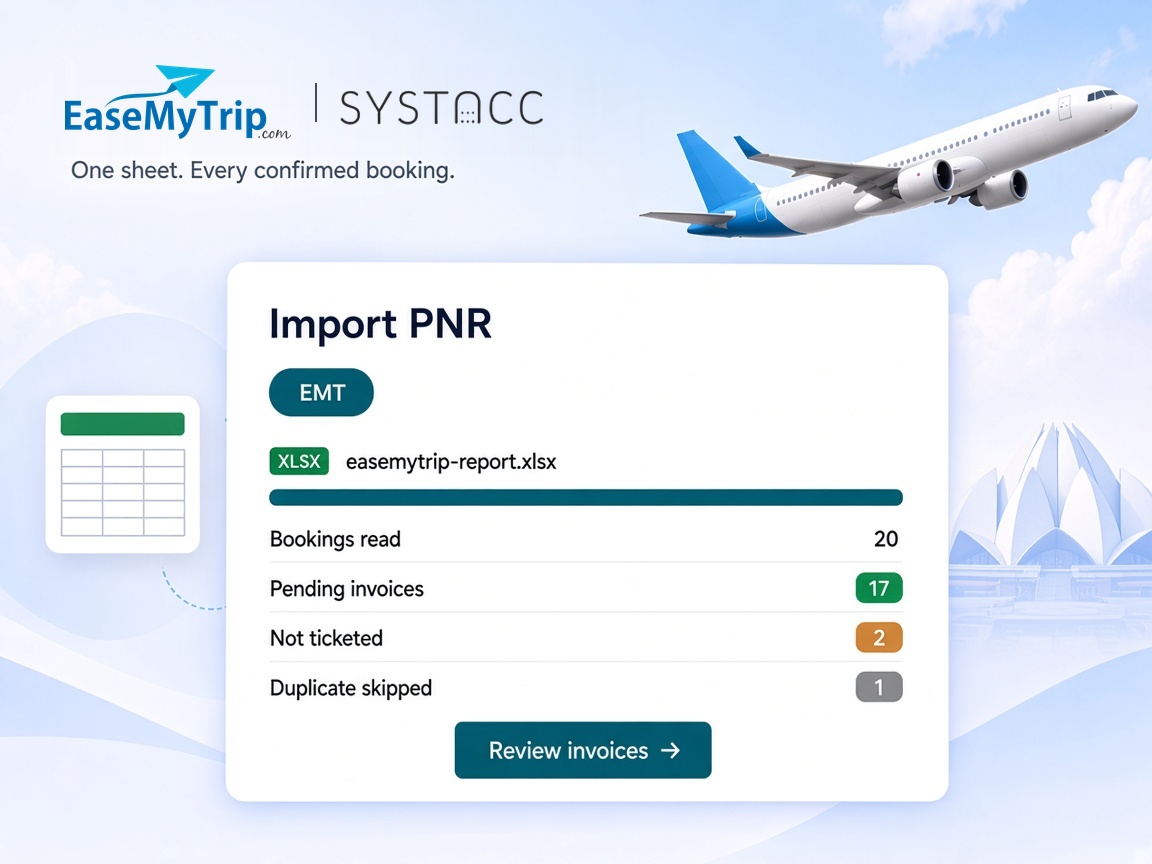
For a batch, open Import PNR, choose EMT and pick your EaseMyTrip supplier account. Upload the report as XLS, XLSX, CSV or TSV, up to 5 MB. If the sheet has no Airline PNR column, SYSTACC stops and tells you the file or its format is wrong, before anything is imported. Rows without an airline PNR are left out.
Each booking row becomes one invoice. The passenger, airline PNR and EaseMyTrip booking ID come across, and the booking date becomes the invoice date. Only bookings marked Confirmed are imported, and the rest are listed as not ticketed.
The route becomes sectors, including connecting flights, with the travel date. The airline is matched to the airline account on your chart. The EaseMyTrip report gives one total fare, so the whole amount is placed on the base fare. You can split taxes on the invoice if you need to.
Imported invoices wait as pending, so you pick the client and review each one before it counts. An airline PNR already in the books is skipped, whether the invoice is posted or still pending. If EaseMyTrip has changed a booking, set On Duplicate to Update Invoice and the existing invoice is updated.
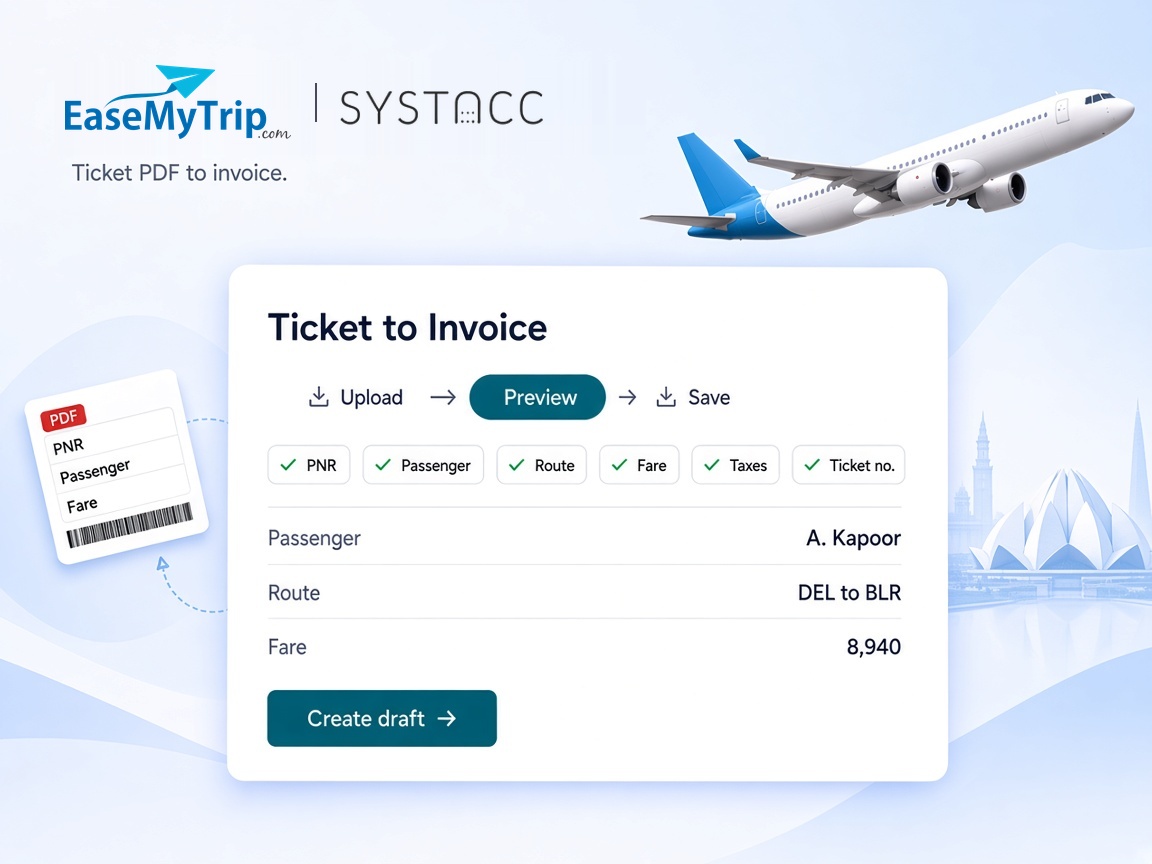
For a full fare breakdown on a single booking, use Ticket to Invoice. Pick the client and upload the ticket PDF, or up to 20 PDFs at once. SYSTACC reads the PNR, passengers, route, fare, GST, taxes and ticket numbers. You check the preview, then create the draft.
Benefits
The EaseMyTrip Excel report for a batch, the ticket PDF for a single booking. Both end up as SYSTACC invoices.
Every invoice carries the EaseMyTrip booking ID and airline PNR, so you can trace it back to EaseMyTrip.
Bookings that were not confirmed are listed, not invoiced, and rows without an airline PNR are left out.
Airline PNRs already in the books are skipped, or updated when you choose Update Invoice.
How it works
Download the flight booking report as an Excel sheet, or keep the ticket PDF.
Use Import PNR with EMT for the sheet. Use Ticket to Invoice for the PDF.
Pick the client on each pending invoice, check the fare, and confirm the preview for a PDF.
Saved invoices sit on your EaseMyTrip supplier account and flow into your ledgers, GST and supplier reports.
Built with SYSTACC
Upload an EaseMyTrip report and get one invoice for each confirmed booking.
Read a flight ticket PDF into a draft invoice, with fare, GST and taxes, up to 20 files at a time.
Keep the EaseMyTrip booking ID and airline PNR on every invoice.
Build sectors from the route, including connections, and match the airline by name.
Stop a sheet without an Airline PNR column before anything is imported.
Skip airline PNRs already in the books, or update the existing invoice.
FAQs
Yes. You bring EaseMyTrip bookings in by uploading the EaseMyTrip Excel report or the ticket PDF. Both create invoices in SYSTACC on your EaseMyTrip supplier account.
The EaseMyTrip flight booking report, using the EMT option in Import PNR. Files can be XLS, XLSX, CSV or TSV, up to 5 MB. The sheet needs its Airline PNR column.
In Ticket to Invoice, choose the client and upload the ticket PDF. SYSTACC reads the PNR, passengers, route, fare, taxes and ticket numbers, shows you a preview, and creates a draft invoice when you confirm. You can upload up to 20 PDFs at once, 5 MB each.
The EaseMyTrip report gives one total fare per booking, without a tax split. SYSTACC places it on the base fare, and you can split taxes on the invoice. For the full breakdown, use the ticket PDF instead.
The EaseMyTrip report does not tell SYSTACC which of your clients the booking is for. Imported invoices wait as pending so you can pick the client and check the fare before they count in your books.
Not yet. The EaseMyTrip import covers flight bookings.
Airline PNRs already in the books, posted or pending, are reported as duplicates and skipped. Choose Update Invoice under On Duplicate if EaseMyTrip has changed a booking.
No. The integration works with the files you get from EaseMyTrip: the booking report and the ticket PDF. You upload them, and SYSTACC does the data entry.
Related pages
Turn MakeMyTrip bookings into SYSTACC invoices. Upload the MakeMyTrip Excel report for flights and hotels, or the ticket PDF, and skip duplicates.
View page →Turn Cleartrip bookings into SYSTACC invoices. Upload the Cleartrip Excel report or the ticket PDF, keep the full fare breakdown and skip duplicates.
View page →Turn Fly24hrs bookings into SYSTACC invoices. Upload the Fly24hrs Excel report or the ticket PDF, keep the fare breakdown and skip duplicates.
View page →A live walkthrough
Thirty minutes on the calendar. We follow a booking through to the books, and you choose the time.